
AI




For years, electrical estimators have relied on manual takeoff methods to count and track thousands of devices across countless projects. It’s a process built on experience and attention to detail. If you’ve spent your career manually tallying over 50,000 devices, you know your system works—each bid carefully prepared, every count checked and rechecked. Yet, even with a proven process, time constraints can limit your opportunities. Just last quarter, you may have had to pass on three bids simply because there wasn’t enough time to complete the takeoff. This is a common challenge for many professionals in the industry, where deadlines and workload can affect business growth and project selection.
Table of Сontents
In this article, we’ll examine three distinct approaches to electrical takeoff. Our aim isn’t to suggest that your current method is wrong; rather, we want to highlight what truly changes when you incorporate AI into your estimating workflow. By comparing manual, digital on-screen, and AI-driven takeoff processes, you’ll see how each impacts efficiency, accuracy, and bid capacity. The focus is on understanding the differences and the real-world benefits of transitioning to AI, so you can make informed decisions about your estimating practices.
In 2026, electrical estimators have three primary methods for performing takeoff, each offering unique workflows and benefits. Understanding these approaches is crucial for choosing the right fit for your business and optimizing efficiency.
Manual takeoff relies on traditional tools such as paper plans, PDFs, highlighters, scales, and spreadsheets like Excel. The estimator carefully counts every symbol, measures each run, and records all quantities by hand. This method is tried and true, but it requires significant time and attention to detail.
Digital on-screen takeoff uses software solutions like Bluebeam, PlanSwift, or eTakeoff. The estimator works with a PDF displayed on the screen, utilizing point-and-click counting and digital measurement tools. While these tools streamline the process, the estimator still manually clicks on each device, making the method largely human-driven.
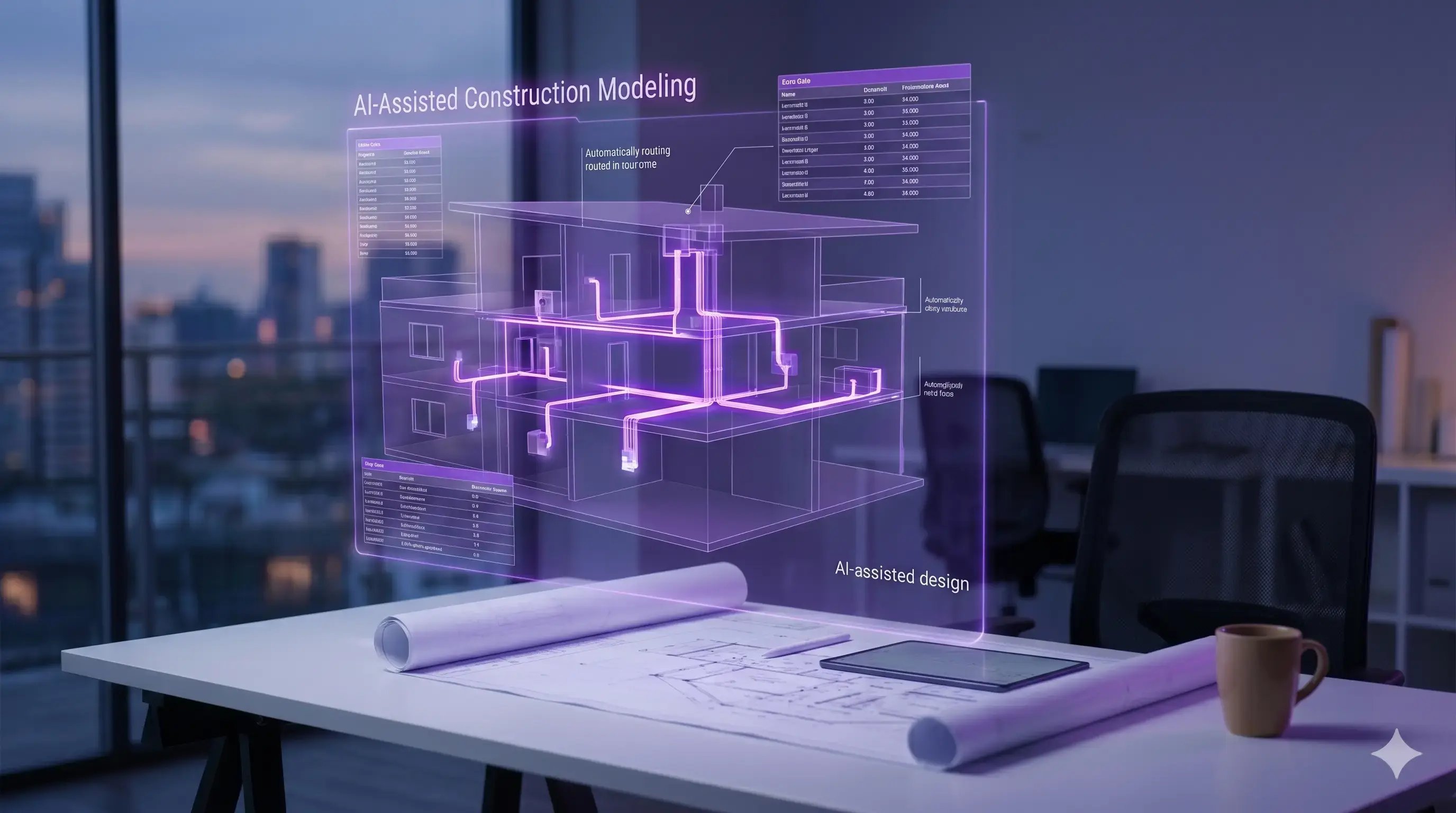
AI-powered takeoff, such as with Drawer AI, transforms the estimating workflow. The estimator uploads the PDF, and the AI automatically detects and counts devices, extracts schedules, routes branches, and sizes wire. After the AI completes its analysis, the estimator reviews the output, adjust as needed, and prices the project accordingly.
.webp?width=768&height=744&name=ai_takeoff_workflow%20(2).webp)
Each method offers a different balance between manual effort and automation, allowing estimators to select the approach that best suits their needs and project requirements.
The table below spotlights the most critical criteria for evaluating manual, digital, and AI-powered electrical takeoff methods. It becomes evident that AI surpasses other methods in terms of speed, efficiency, and accuracy, establishing itself as the preferred solution for estimators seeking to enhance their bidding success and optimize workflow processes.
|
Criteria |
Manual Takeoff |
Digital On-Screen Takeoff |
AI-Powered Takeoff |
|
Workflow |
Manual counting, paper plans |
Point-and-click on-screen |
Automatic detection & extraction |
|
Time Required |
High |
Moderate |
Low |
|
Accuracy |
Depends on estimator |
Improved, but human-driven |
AI-assisted, estimator reviews |
|
Automation |
None |
Partial |
Full |
|
Device Counting |
Hand-counted |
Point-and-click |
Automatic |
|
Bid Capacity |
Limited |
Increased |
Significantly increased |
|
Collaboration |
Manual sharing |
Cloud-based |
Real-time, cloud integration |
|
Error Detection |
Manual review |
Software flags basic errors |
AI flags and suggests fixes |
|
Reporting & Export |
Manual spreadsheets |
Digital export to Excel/PDF |
Automated, customizable reports |
|
Learning Curve |
Low (familiar tools) |
Moderate (software training) |
Moderate to high (AI setup & review) |
|
Schedule Integration |
Manual entry |
Software-assisted |
AI extracts schedules automatically |
|
Branch Routing & Wire Sizing |
Estimator calculates manually |
Software assists, estimator confirms |
AI routes branches and sizes wire |
On large sets, AI-powered takeoff is the fastest and least repetitive of the three, and it holds its count consistently across hundreds of pages. It doesn't replace your judgment; it removes the counting so you can spend that time on pricing and scope.
AI doesn’t replace the estimator, it replaces the repetitive, error-prone parts of takeoff. With Drawer AI, you upload the electrical PDFs and the platform handles the first pass of quantification and layout logic that typically burns hours (or days) of clicking and counting. Specifically, Drawer AI automates symbol detection and device counting across lighting and power plans, then organizes those quantities so you can move faster into pricing. It also extracts information from schedules (like fixture or device tags and panel/circuit references) so you’re not manually retyping schedule data into spreadsheets. From there, it can generate branch circuit routing on the plans, apply your rules to size conductors, and run voltage drop calculations as part of the takeoff. When you’re ready to hand off or build your estimate, Drawer AI exports the results to Excel and produces marked-up PDFs—so the takeoff, routes, and quantities are easy to review and share.
What it does not automate is the work that requires trade context, scope interpretation, and business judgment. Drawer AI won’t read the project manual and specs for alternates, substitutions, or execution requirements. It won’t make judgment calls when drawings are unclear, contradictory, or missing details—those are still on you to resolve through RFIs, assumptions, and experience. It also doesn’t price material or labor, negotiate vendor quotes, or decide which manufacturers meet the spec. And it doesn’t assemble your final bid package, manage risk strategy, or choose which jobs you should pursue in the first place.
In other words, the estimator’s role shifts from data extractor to data reviewer and pricer. You review the AI’s counts, validate schedule linkages, spot the scope gaps the model can’t infer, and then apply the real value: your pricing, means-and-methods knowledge, and bid strategy. You keep control and responsibility, but you no longer deal with manual counting, drafts, or spreadsheets.
.webp?width=2880&height=2240&name=ai_automates_vs_estimator%20(1).webp)
These aren’t demo files. These are real U.S. construction drawing sets with real complexity—and the time savings show up fast when the scope is measured in thousands of symbols. In a publicly documented case study from Starr Electric Company, the team used Drawer AI on a 300,000 sq ft cancer center CD set. The scope included 2,600+ lighting fixtures and 3,400+ power devices. Manually, that kind of takeoff typically means multiple days of repetitive counting and spreadsheet entry. With Drawer AI, Starr Electric reported completing the work in hours—roughly a 70% reduction in takeoff time—while still keeping the estimator in control of review and pricing. The deliverables weren’t screenshots or partial outputs: Drawer AI produced a complete Excel bill of materials (BOM) along with a marked-up PDF that made quantities and locations easy to verify.
A second example comes from WTC Electric, which reported a 70% reduction in takeoff time and more than 95% device-detection accuracy on large projects, along with automated branch routing and wire sizing to remove another major block of manual effort. The takeaway across both comparisons is simple: AI compresses the “count-and-capture” phase from days to hours, so estimators can spend their time checking scope, tightening risk, and building a better price.
When evaluating the return on investment (ROI) for AI-powered takeoff tools, the calculation is straightforward. If your estimator’s fully loaded annual cost ranges between $80,000 and $120,000, and AI technology consistently saves between 15 and 20 hours per week on takeoff tasks, the tool effectively covers its own cost in the first month. This immediate ROI comes from reducing manual labor and freeing up valuable estimator time.
However, the true financial impact goes beyond simple time savings. By streamlining takeoff processes and boosting speed, AI allows your team to bid on more projects. Increased bidding capacity naturally leads to more opportunities and, ultimately, more wins. This means that your company can generate additional revenue without needing to expand your workforce.
It’s also important to consider pricing context. Comparing the cost of AI tools to the fully loaded hourly rate of an estimator highlights the efficiency gains: instead of spending hours on repetitive counting and spreadsheet entry, estimators can focus on higher-value activities. You can see current plans and what each includes on the Drawer AI pricing page.
If you’re skeptical, that’s reasonable. Electrical takeoff is high-stakes work, and you don’t get paid for “cool software”—you get paid for correct scope, correct counts, and a bid you can stand behind. Here are the most common objections I hear, along with the honest answers.
If you’re considering AI-powered takeoff tools but want proof that they work for your unique needs, here’s a practical, hands-on process—no sales pitch, just a straightforward method to evaluate performance.
1. Select a Project You’ve Already Completed Manually
Start by choosing a project for which you already have a manual takeoff completed. This lets you directly compare AI-generated results to your own established counts and details.
2. Book a Drawer AI Demo and Upload Your Drawings
Schedule a demonstration with Drawer AI, and provide the exact set of drawings you used for your manual takeoff. This step ensures the tool is tested under real-world conditions, including your title blocks, symbol library, and drafting conventions.
3. Compare the AI Output to Your Manual Count
Review the AI’s results alongside your original counts. Pay attention to accuracy, completeness, and any discrepancies between the two sets.
4. Evaluate Key Metrics
Look closely at total device counts, circuit assignments, and the time required for the AI takeoff. This comparison will reveal not only the reliability of the tool but also its efficiency gains. By asking vendors to demo on your own drawings not theirs you’ll get a clear, unbiased assessment, cutting through marketing claims and seeing real-world value.
Manual electrical takeoff involves reviewing project drawings and counting devices, circuits, and other components by hand. This process relies on the estimator's experience and attention to detail. In contrast, AI electrical takeoff uses software to automatically scan and interpret drawings, generating counts and assignments faster and with less manual effort. While manual takeoff can be time-consuming, AI aims to streamline the process and reduce errors.
Is AI takeoff accurate enough for commercial electrical projects?AI takeoff tools are designed to deliver accuracy and reliability for commercial electrical projects. The results can be directly compared to manual counts to evaluate their precision. Reviewing AI outputs alongside established manual takeoffs helps determine if the tool meets project requirements for completeness and correctness.
Does Drawer AI replace electrical estimators?Drawer AI is meant to assist electrical estimators, not replace them. While the software automates counting and circuit assignments, estimators are still needed to review results, verify accuracy, and apply their professional judgment to the project. The tool supports estimators by saving time and reducing repetitive tasks.
How long does it take to learn Drawer AI?
Learning Drawer AI is a straightforward process. Users can quickly become familiar with its functions by uploading their own project drawings and participating in a demo. The software is designed to be user-friendly and accessible, enabling estimators to start leveraging its features with minimal training.
Can I test Drawer AI on my own drawings before buying?
Yes, you can test Drawer AI on your own drawings before making a purchase. By booking a demo and uploading the exact drawings used for your manual takeoff, you can directly compare the AI-generated results to your established counts. This hands-on evaluation provides an unbiased assessment of the tool’s performance for your unique project requirements.
Manual takeoff has long been the foundation of the electrical industry, ensuring accuracy through painstaking review and experience. However, as projects grow in complexity and scale, AI takeoff offers the tools needed to efficiently expand operations. By automating device counts and circuit assignments, AI enables estimators to focus on higher-level tasks and deliver results faster, without sacrificing reliability.
Ready to see the difference for yourself? Book a demo and upload your own project drawings. Compare AI-generated takeoffs directly with your manual counts and discover how Drawer AI can streamline your workflow and support your growth.

14425 Falcon Head Blvd
Building E, Suite 100,
Austin, TX 78738
Created by Estimators, Powered by AI and Innovation
Copyright © 2026 Drawer AI. All rights reserved.